
Anki on iPhone (2026): Free Options & Full Comparison
.apkg decks intact and reviews them with FSRS. AnkiDroid is Android-only, so it isn't an option on iOS. Whichever you pick, your decks stay portable — they export back to a standard .apkg.
Is Anki free on iPhone?
Short answer: partly. The Anki project is free and open-source on desktop, and AnkiWeb (the browser version) is free. But the official native iOS app, AnkiMobile, is a paid app — $24.99, a one-time purchase. That price is intentional: it funds development of the whole free Anki ecosystem. So "is Anki free on iPhone" usually means "is there a free way to review my decks on my phone," and the honest answer is yes (AnkiWeb), but the good native experiences cost money.
Here are the three paths, with the trade-offs that actually matter.
Option 1: AnkiMobile (the official app)
AnkiMobile is built by the same author as desktop Anki, so it's the most faithful to "real" Anki — same scheduler, same note types, same sync to AnkiWeb. If you want the canonical behavior and don't mind the classic Anki interface, this is the safe choice.
- Cost: $24.99 one-time.
- Best for: purists who already live in the Anki ecosystem and sync across desktop + phone.
- Watch out for: the UI is powerful but dated, and it only accepts game controllers that expose Apple's
GCExtendedGamepadprofile — which the popular cheap 8BitDo models don't (more on that below).
Option 2: AnkiWeb in the browser
AnkiWeb is the free web client. Log in at ankiweb.net on Safari and you can review due cards from any device, no install.
- Cost: free.
- Best for: occasional review, or trying Anki before paying for a native app.
- Watch out for: it's a website, not an app — no offline review, limited gestures, no media-heavy editing, and it leans on you having a desktop for the heavy lifting.
Option 3: A native alternative built for iPhone (Guru)
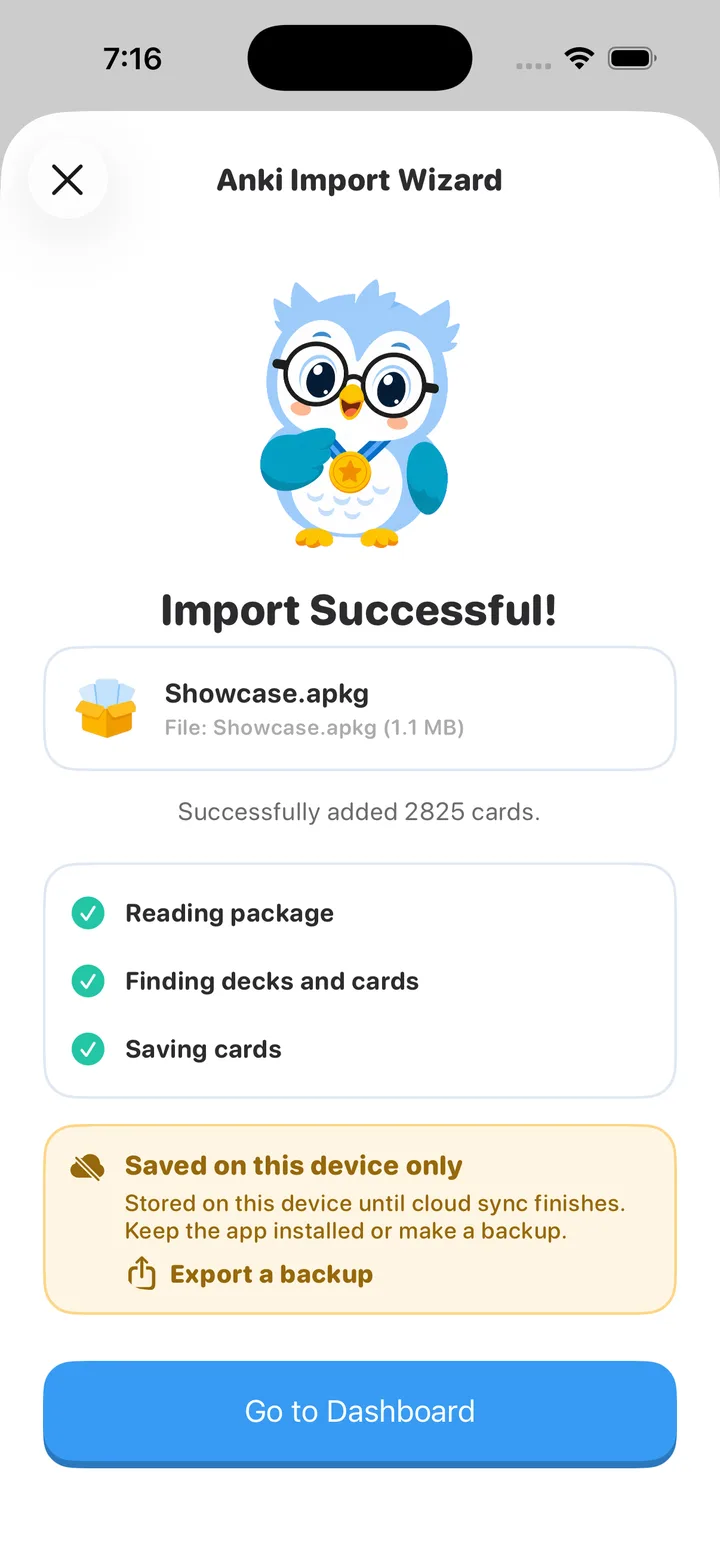
Guru: AI Flashcard Study is a third path: a native iOS app that runs the Anki workflow but rebuilt for a phone. It imports any .apkg or .colpkg using Anki's own engine, so cards, media, and scheduling state migrate exactly — then reviews them with FSRS, the modern spaced-repetition scheduler.
- Cost: free 3-day trial, then weekly/yearly plans or a one-time Lifetime ($59.99).
- Best for: people who want a fast, modern iPhone-first app, AI help turning notes into cards, Cram Mode before exams, and a built-in free wireless Anki Remote.
- Watch out for: it's a separate app, not a skin over AnkiMobile — so you import your decks into it (see how to import your Anki decks) rather than syncing through AnkiWeb.
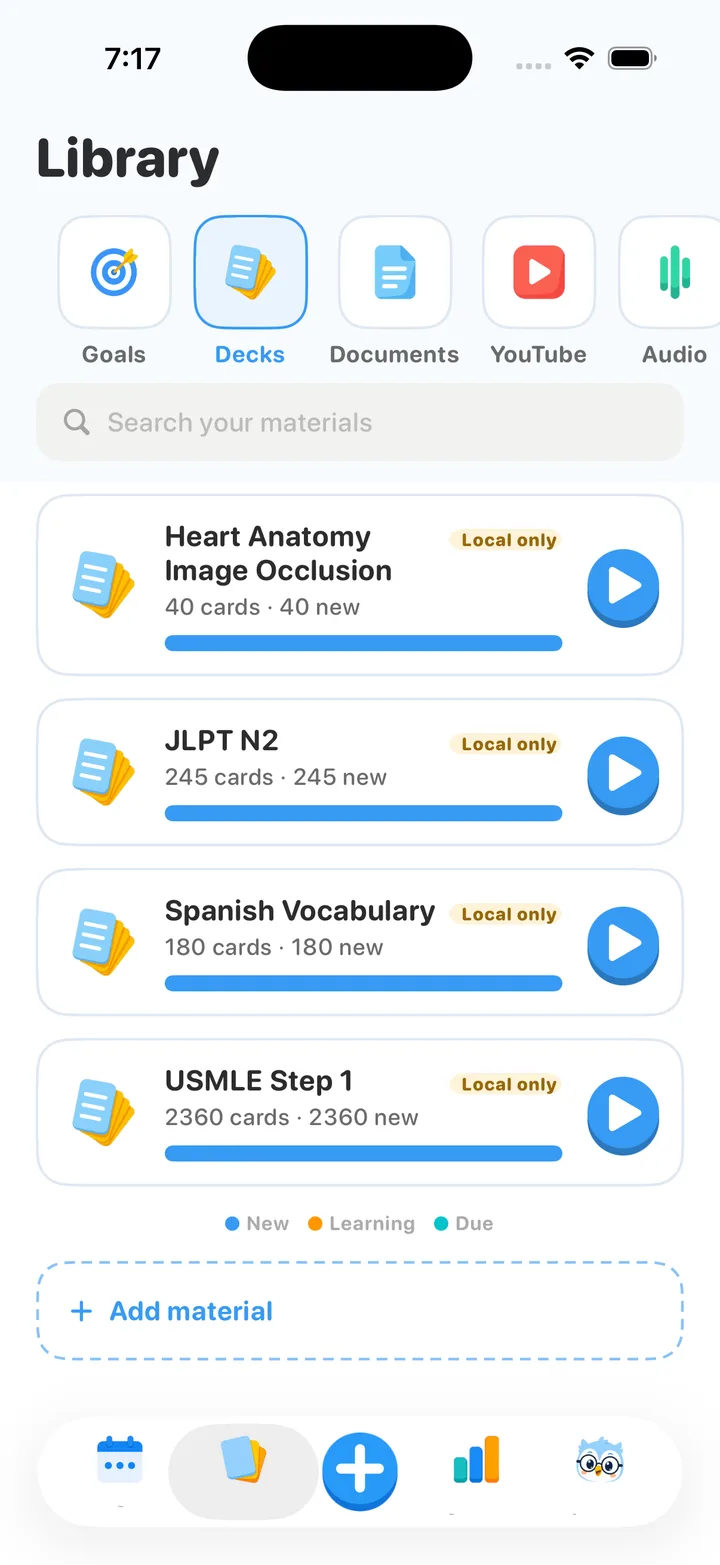
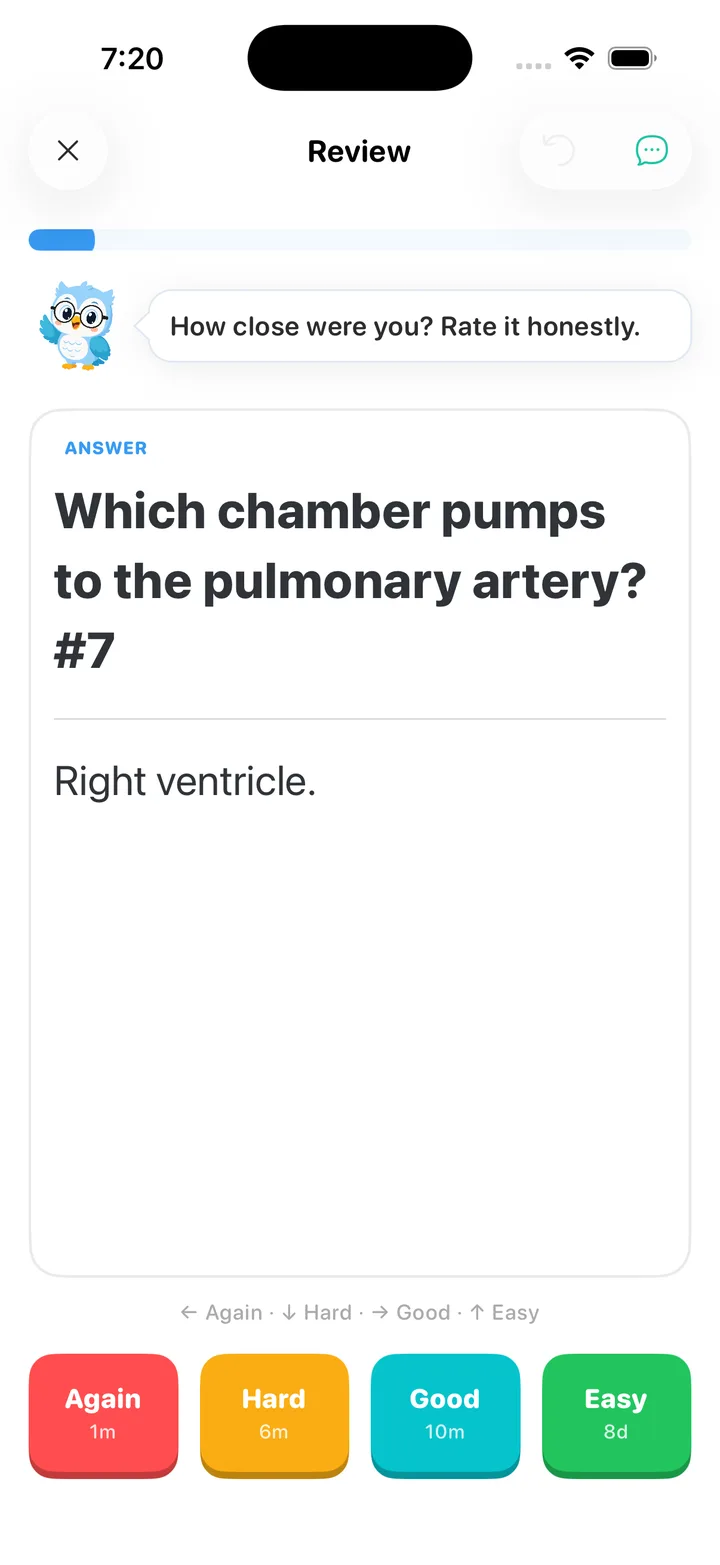
Quick comparison
| AnkiMobile | AnkiWeb (browser) | Guru | |
|---|---|---|---|
| Cost | $24.99 one-time | Free | Free trial, then from $5.99/wk or $59.99 lifetime |
| Native iOS app | Yes | No (website) | Yes |
| Offline review | Yes | No | Yes |
Imports .apkg / .colpkg |
Yes | Via desktop | Yes (intact) |
| Scheduler | Anki / FSRS | Anki / FSRS | FSRS |
| AI card generation | No | No | Yes |
| Free wireless remote for desktop Anki | No | No | Yes |
| Cheap 8BitDo controllers | No (small models) | n/a | Yes (via the phone) |
Do you even need Anki on the phone — or a remote for the desktop?
A lot of people searching "anki on iphone" actually want something subtler: they review on desktop Anki and just want to drive it from the couch without reaching for the keyboard. If that's you, you don't need to move your whole workflow to the phone at all — you can turn the iPhone into a wireless remote for Anki Desktop. See the free Anki Remote setup and the full comparison of remote options.
Moving your existing decks over
Whichever native app you choose, the first step is the same: get your .apkg files onto the phone and import them with scheduling intact. We wrote a step-by-step guide: How to open .apkg on iPhone and import Anki decks. The important part — your progress is never trapped; everything exports back to a standard .apkg.
Want Anki that feels at home on iPhone?
Import your decks in seconds, review with FSRS, and use the free wireless remote. Free 3-day trial.
Get Guru