
Open .apkg on iPhone: Import Anki Decks (2026)
.apkg (or .colpkg) file onto your phone — via the Files app, AirDrop, iCloud Drive, or email — then open it in a native Anki app. With Guru the import uses Anki's own engine, so cards, media, and scheduling state carry over exactly. And because everything exports back to a standard .apkg, your decks are never locked in.
What's actually inside an .apkg
An .apkg is a zipped package that contains your notes, the cards generated from them, their note types/templates, any media (images, audio), and — crucially — the scheduling state (due dates, intervals, ease, review history for that deck). A .colpkg is the same idea but for your entire collection rather than one deck.
That last part is why "importing" matters: done right, you don't restart your decks from zero — your streak of progress travels with the cards.
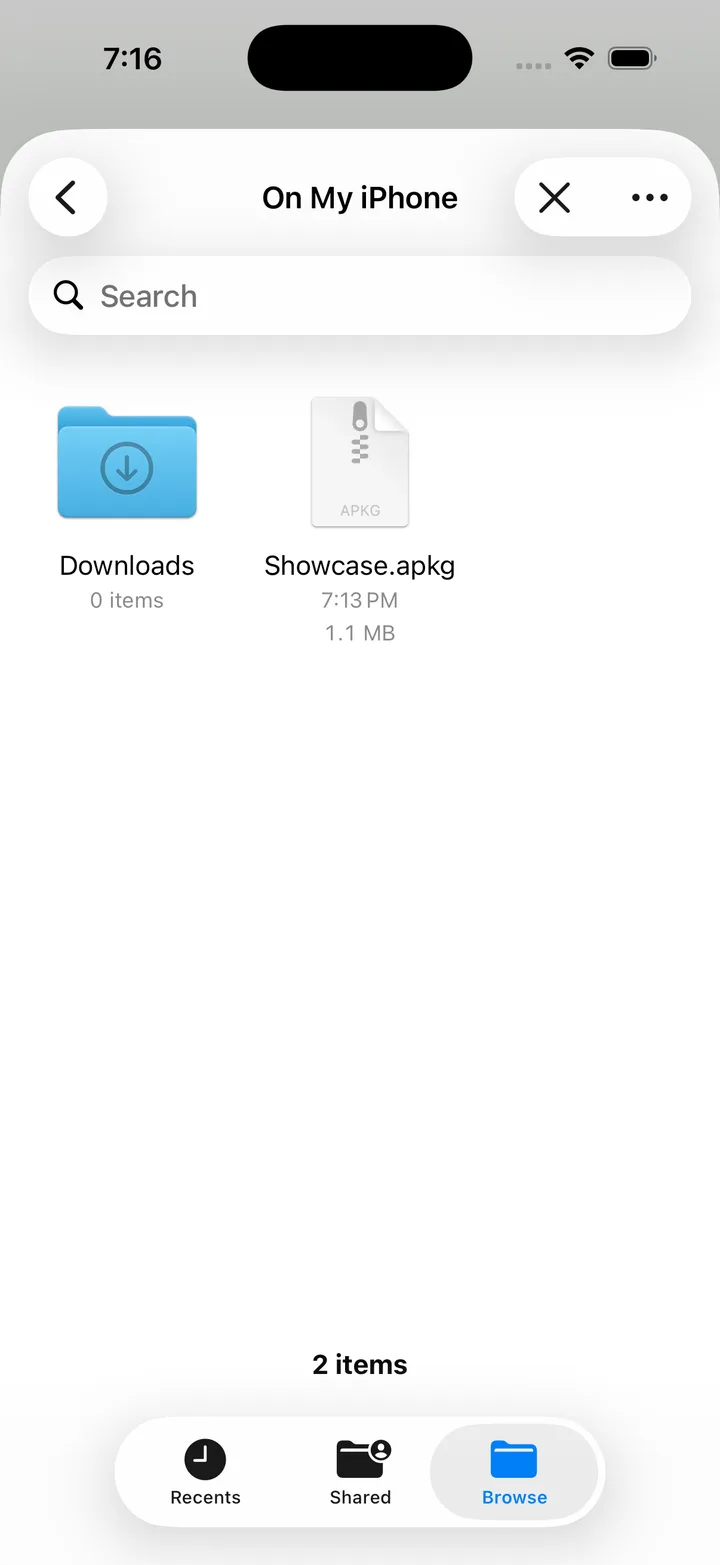
Step 1: Get the file onto your iPhone
You first need the .apkg file accessible on the phone. Any of these work:
- Files app / iCloud Drive — drop the
.apkginto iCloud Drive on your computer; it appears in Files on the phone. - AirDrop — from a Mac, AirDrop the file straight to the iPhone.
- Email or messaging — send it to yourself and tap the attachment.
- Direct download — shared decks (AnKing, etc.) often download straight to Files in Safari.
Step 2: Import it (keeping scheduling intact)
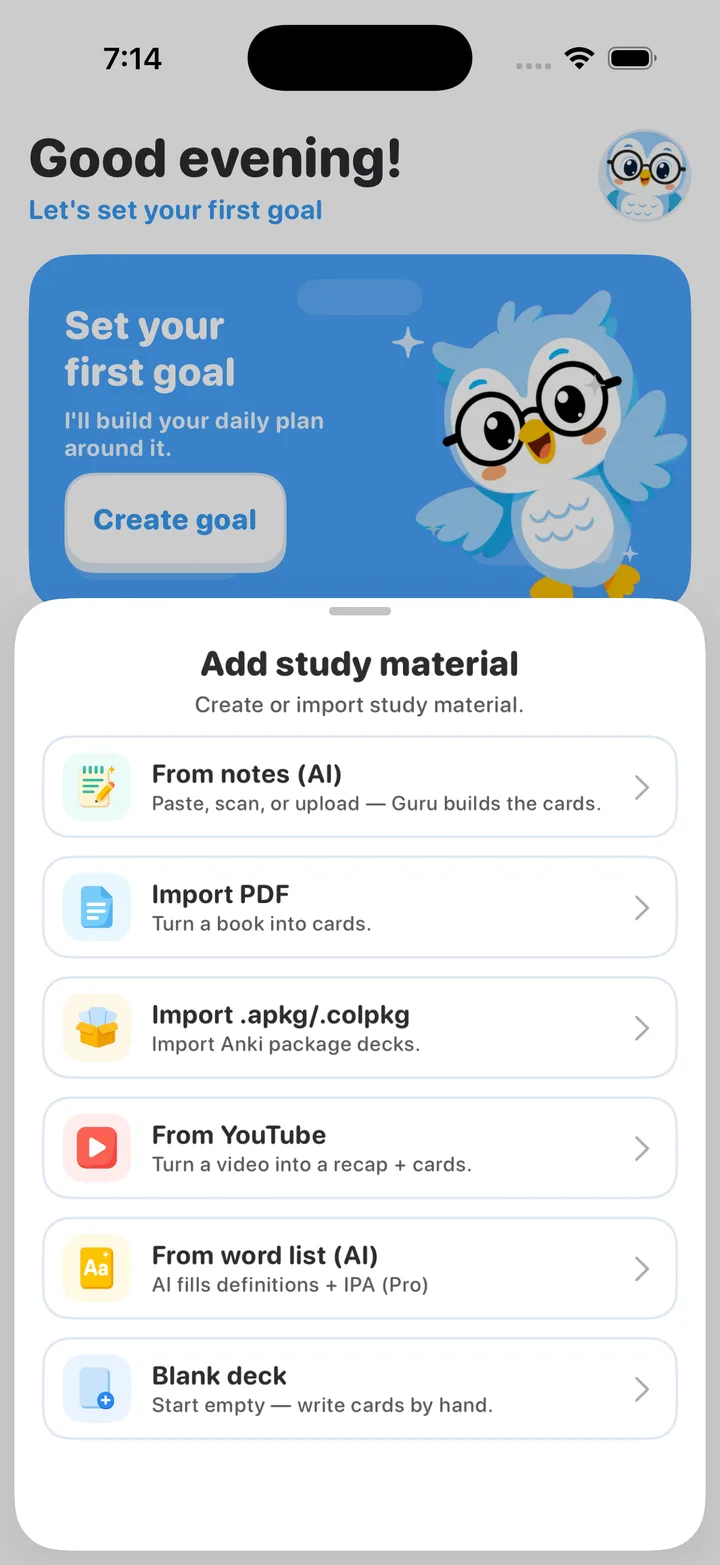
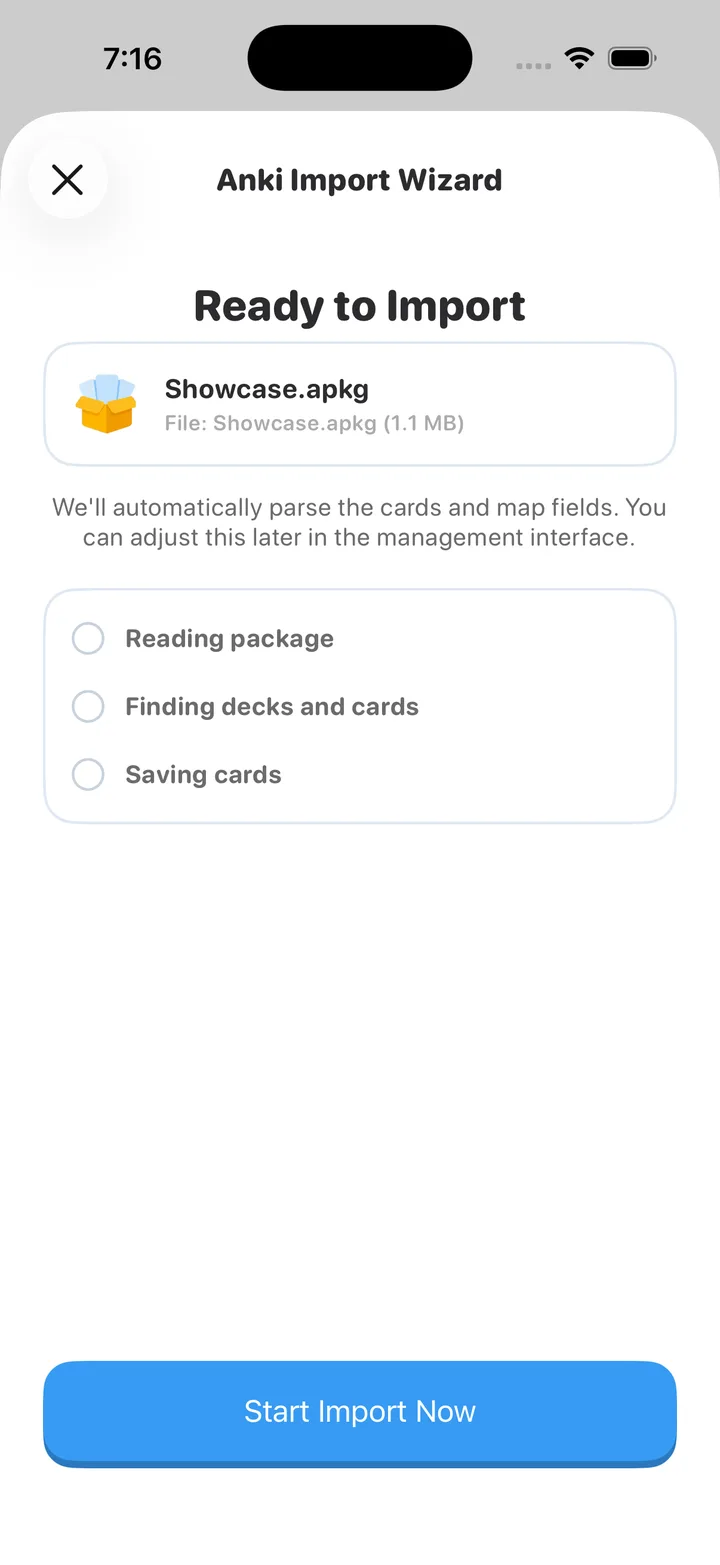
In Guru, open the deck list and choose import, then pick the .apkg from Files. Because the import runs on Anki's own engine, the cards, media, and scheduling come in exactly as they were — no re-learning, no lost history.
The same file imports into AnkiMobile too, if that's the app you're using — tap the .apkg in Files and choose "Copy to AnkiMobile." (Not sure which app to use? See how to use Anki on iPhone & iPad.)
Step 3: Verify it came over correctly
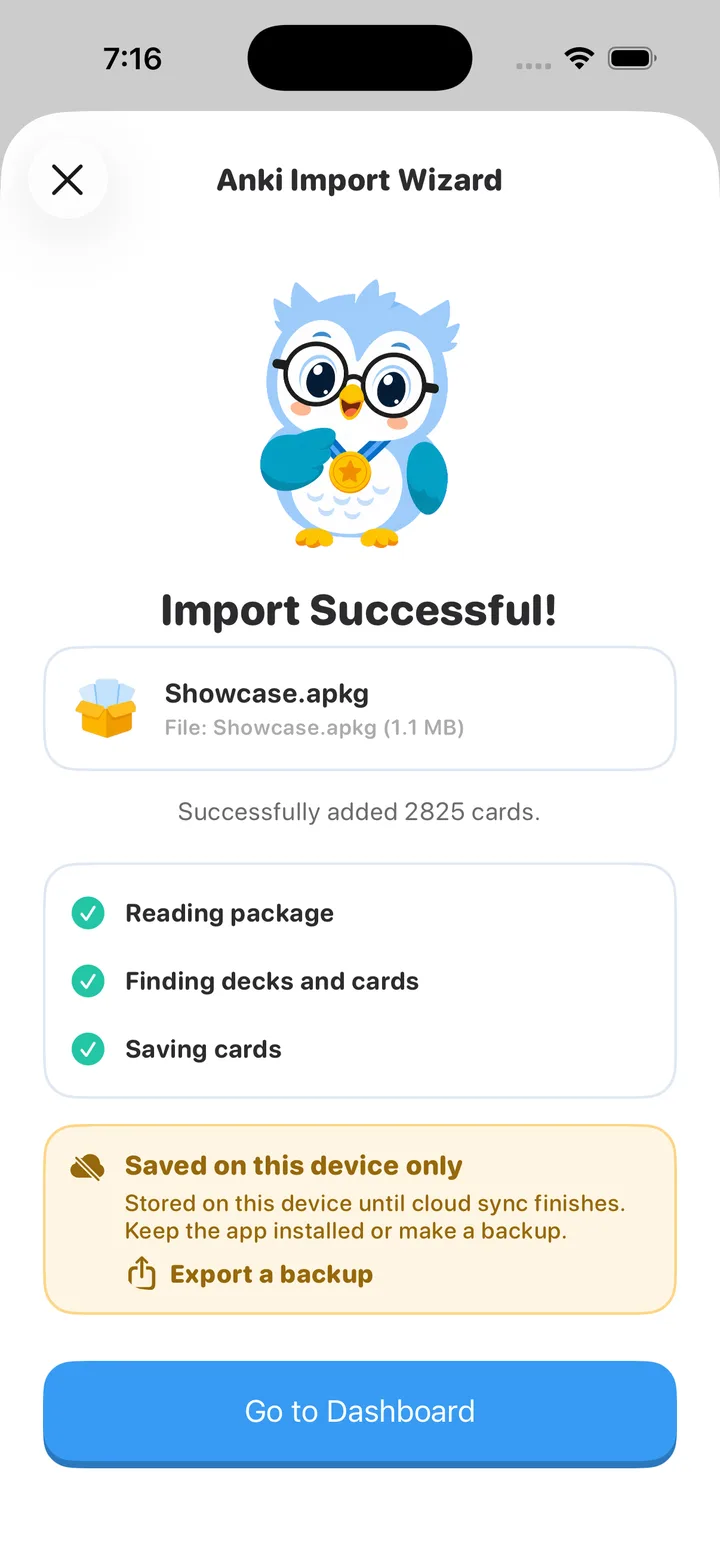
After import, do a quick sanity check:
- The deck's due count looks right (not "all cards new").
- A card with an image or audio renders its media.
- Cloze cards show their blanks correctly.
If due counts reset to "new," you probably imported a deck that was shared with scheduling stripped — that's a property of how the deck was exported, not the import. Re-export from the source with scheduling included if you control it.
Will my streak and review history survive?
Your scheduling state (intervals, ease, due dates) travels inside the .apkg, so your reviews pick up where they left off. A global daily streak counter is app-specific and starts fresh in a new app — but the actual spaced-repetition schedule, which is what matters for retention, is preserved.
You're never locked in
This is the part worth repeating: a good Anki app lets you export back out. With Guru you can export any deck to a standard .apkg at any time and take it to desktop Anki, AnkiMobile, or anywhere else. Importing onto your phone is a move, not a one-way trapdoor.
Related guides
- Anki on iPhone (2026): free options & full comparison
- Hands-free Anki review: treadmill, bed & remote
- Anki remote setup: free iPhone vs 8BitDo
Bring your decks to a better iPhone app
Import .apkg intact, review with FSRS, export anytime. Free 3-day trial.